Lifetime
Best valuePay once, own it forever
$16.99one-time
- Everything in Yearly
- Lifetime access — no recurring billing
- Early access to new features
- Support the development
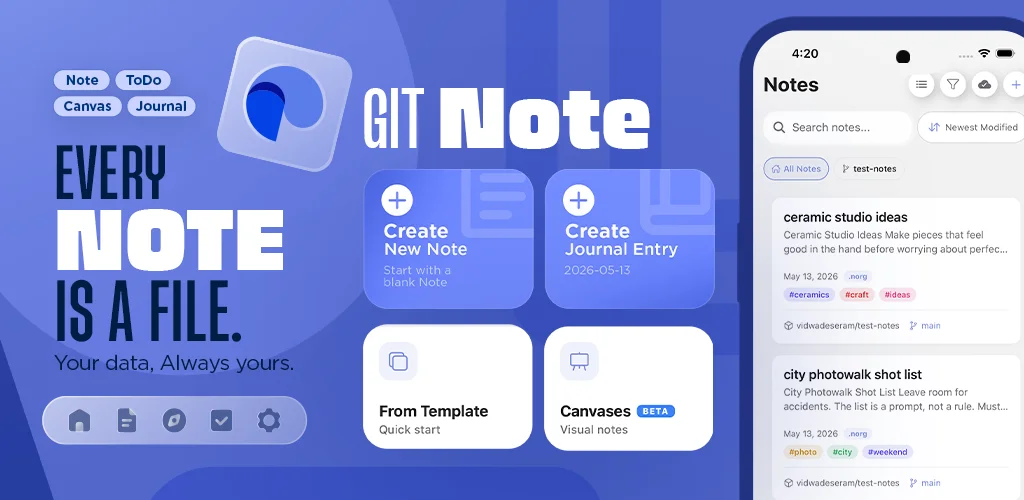
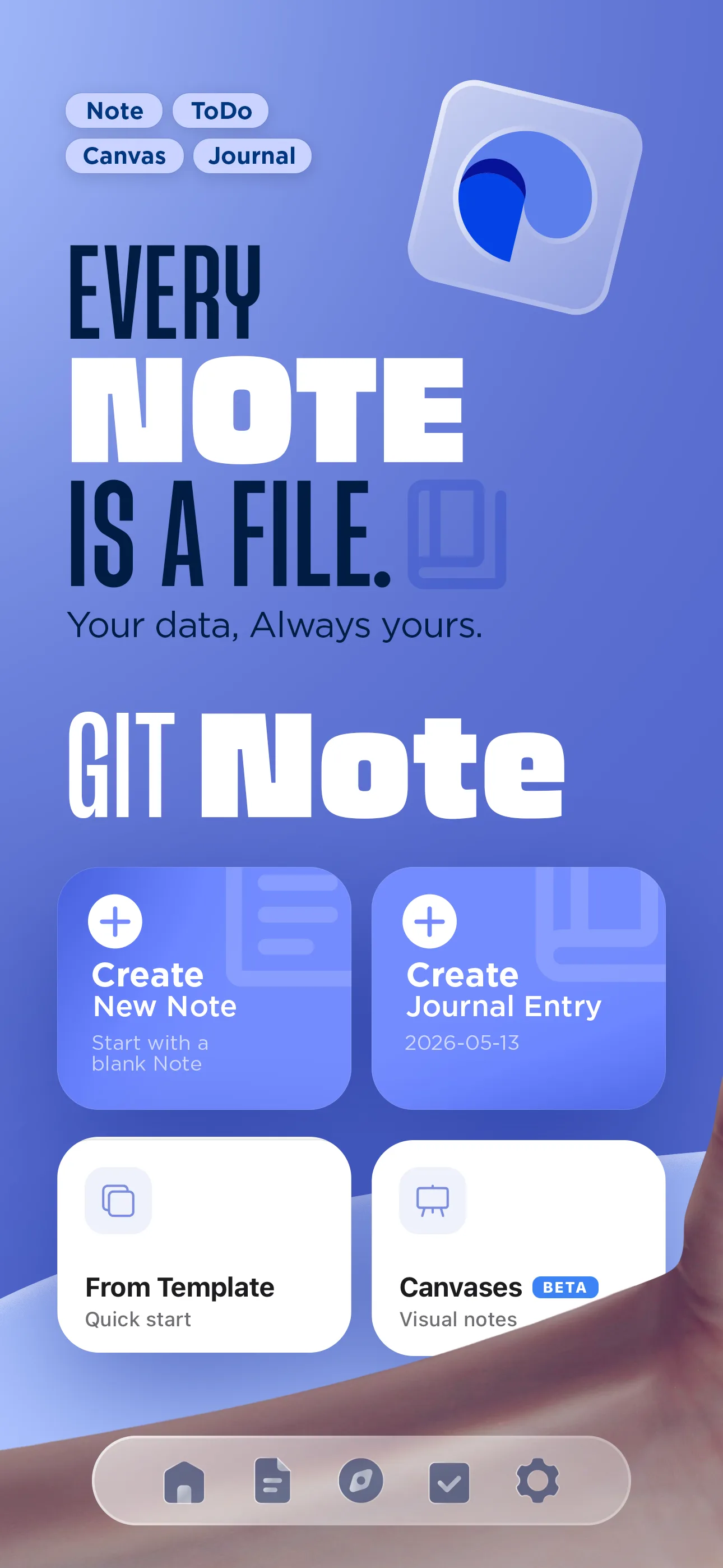
Markdown, Neorg, and Org-mode notes, todos, and an infinite canvas — all stored as plain files in your own GitHub, GitLab, Gitea, or Forgejo repo. Nothing to export. Nothing to lose.
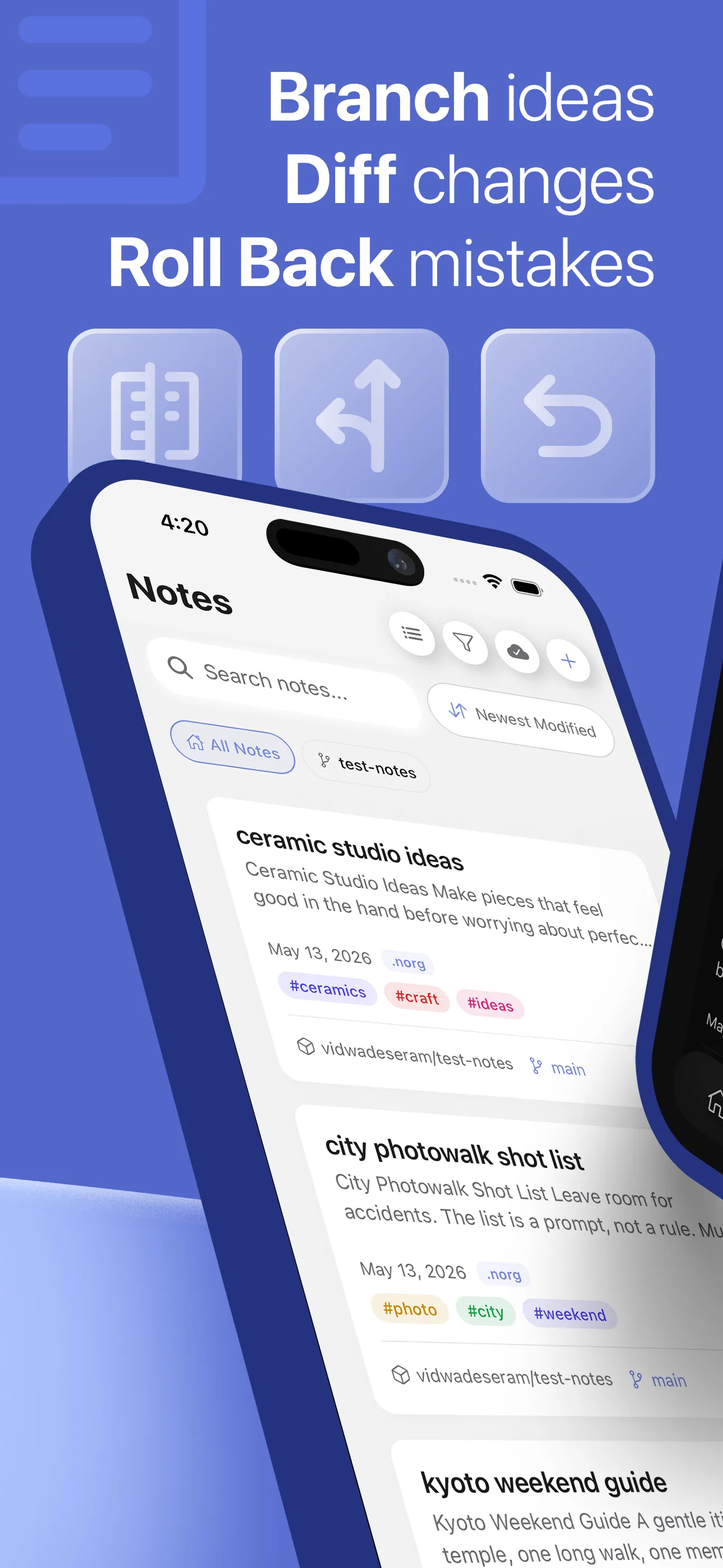
Every edit is a commit. Every commit is a file in a repo you already own.
Notes, todos, canvas, and AI — all stored as files in the Git repo you already own.
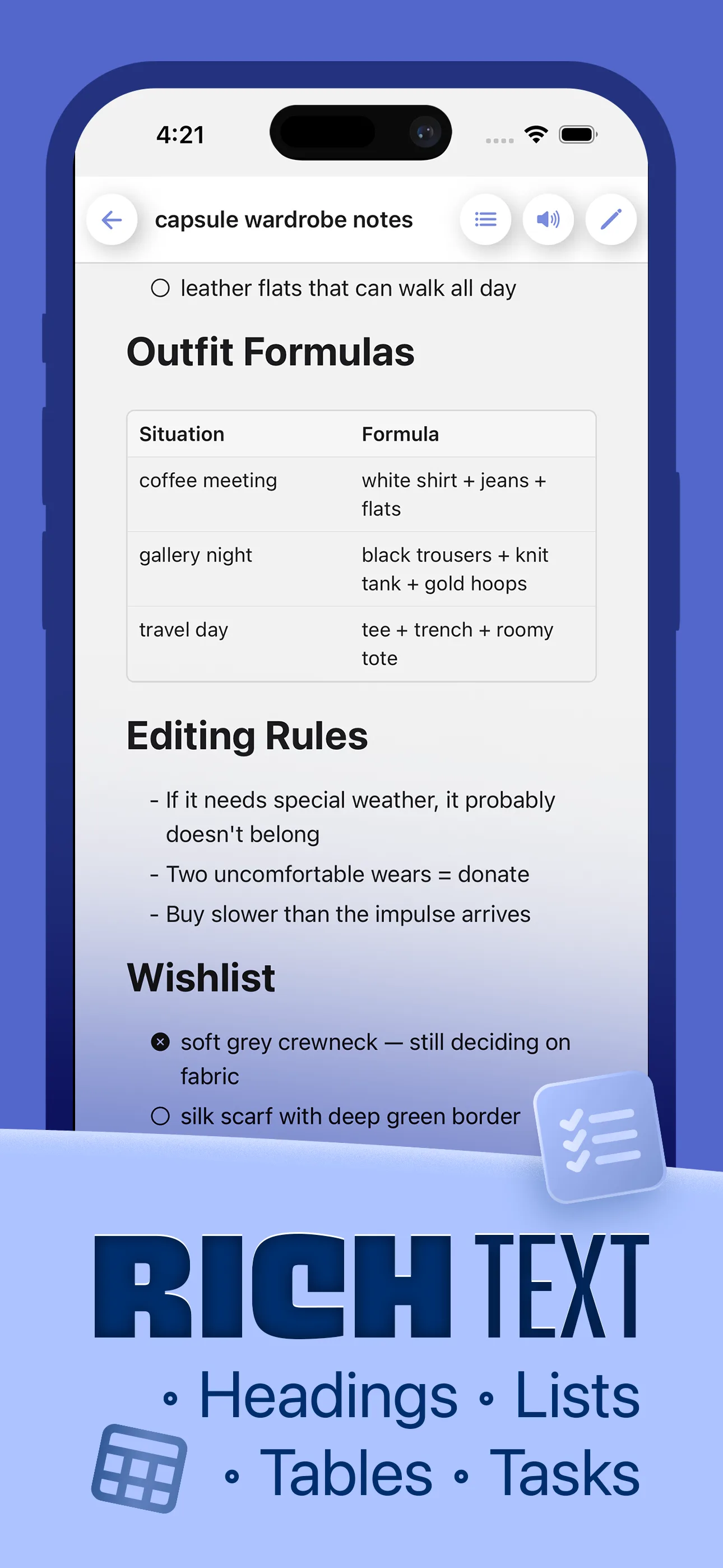
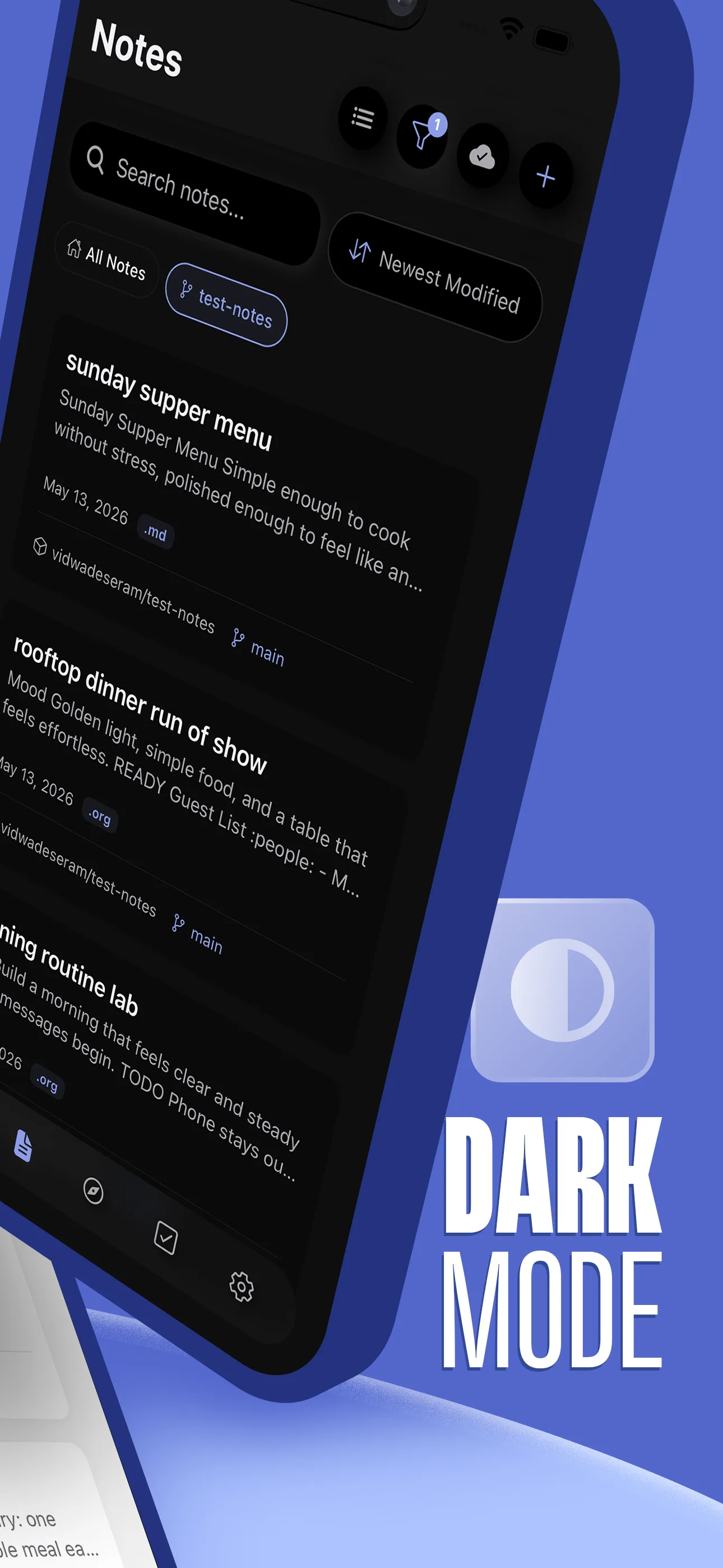
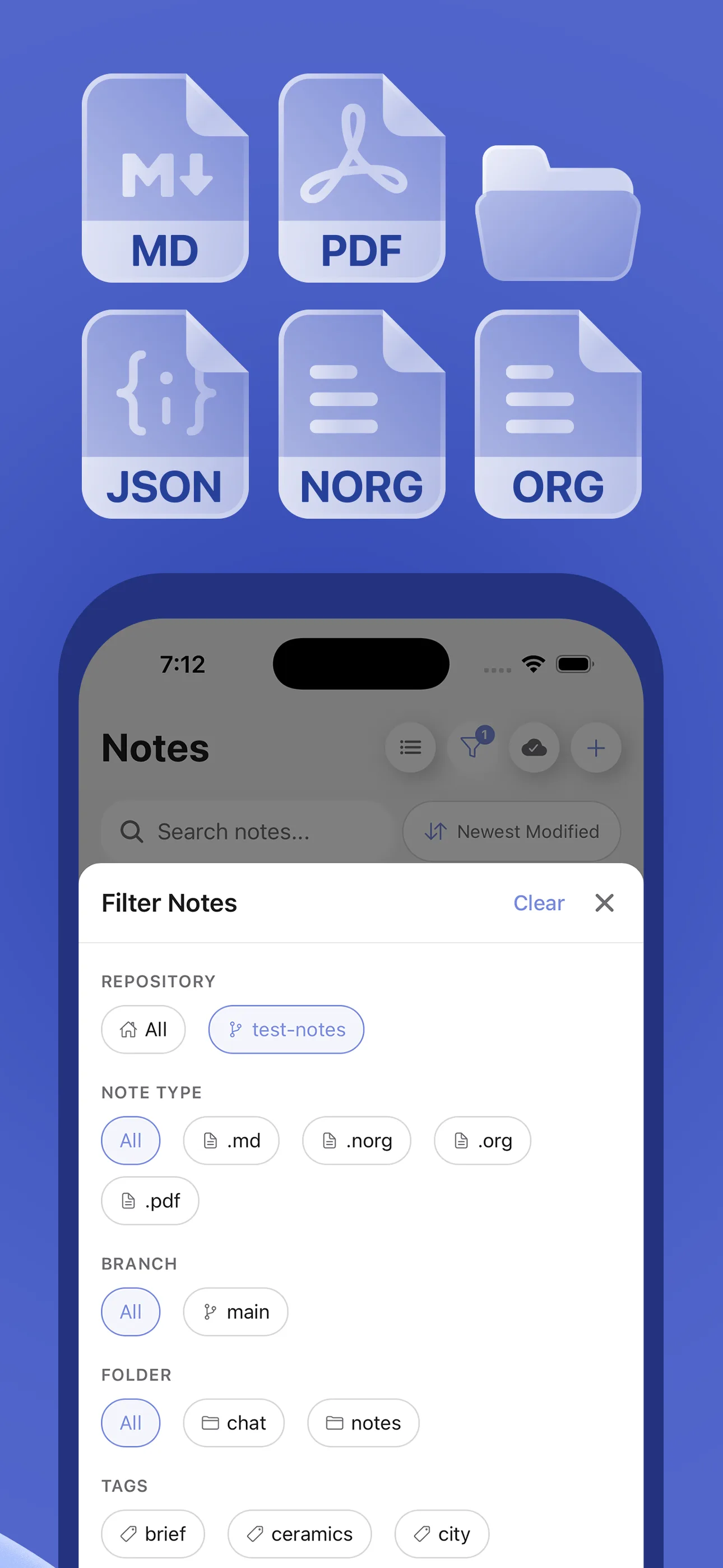
Write in Markdown, Neorg, or Org-mode with live preview, syntax highlighting, and a rich editor toolbar.
Checkboxes, due dates, reminders — all synced to your repos.
Freeform drawings with pinch-zoom and pan. JSON-backed scenes.
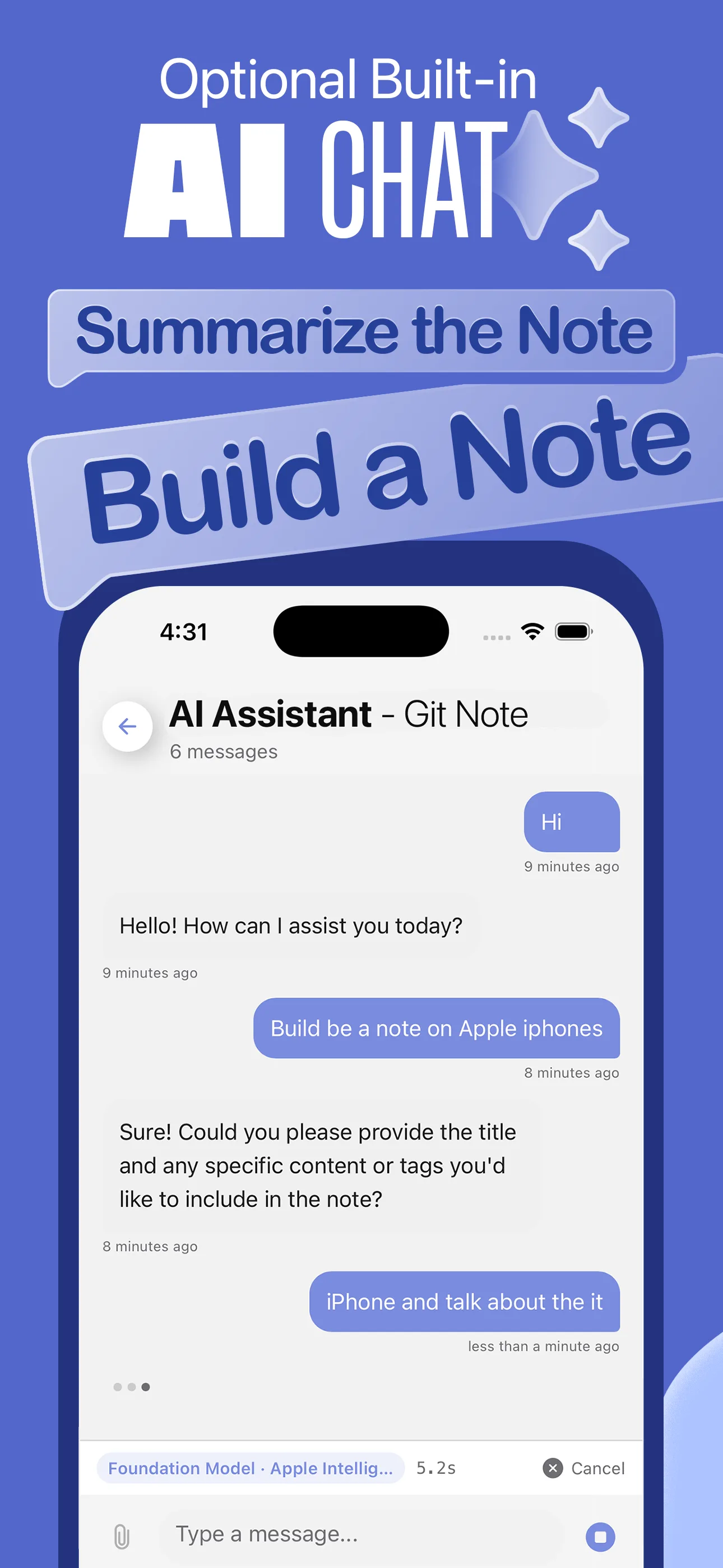
Chat with your notes using AI. Create, edit, and search notes with natural language. Supports Apple Foundation Models, Llama, and OpenAI.
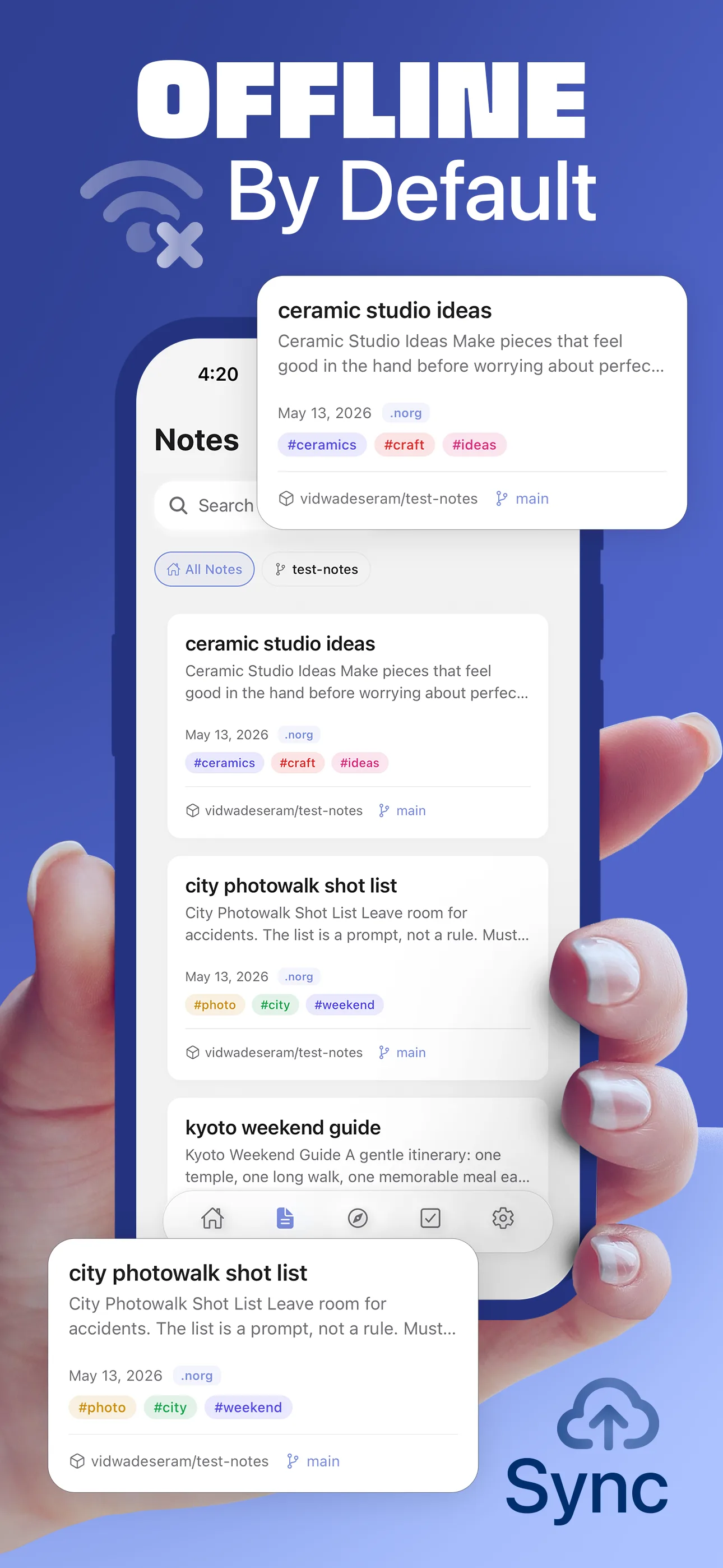
Notes are files in your repo. Pull, push, and merge with conflict resolution. Works offline.
When edits collide, keep ours, theirs, both, or open a full editor. You stay in control of every merge.
Browse your entire repository tree. Rename, move, and delete files with recursive operations.
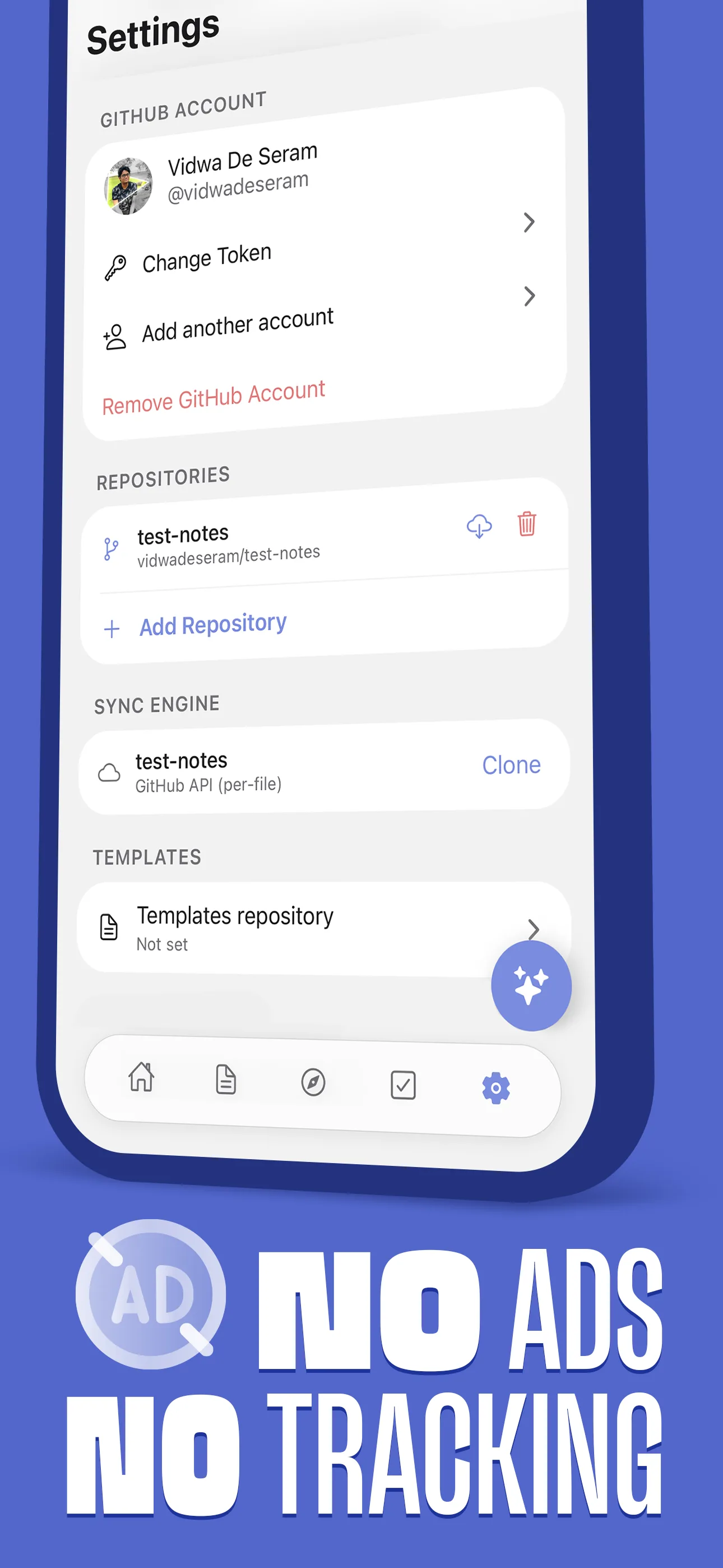
Connect with GitHub using a personal access token, OAuth, or GitHub App.
GitHub, GitLab, Gitea, and Forgejo — including self-hosted instances.
Advanced AI models, unlimited repos, and multi-host sync across all your Git providers.
Eight ways GitNotēs transforms how you capture and organize knowledge.
GitNotēs is built for real collaboration. When the same note is edited in two places, GitNotēs surfaces the conflict and puts you in control of which version to keep.
When you push, GitNotēs checks whether the remote has changed since your last sync. If it has, GitNotēs attempts to integrate your local changes with the remote state.
If the same line in a note was edited both locally and remotely, Git cannot merge them automatically. GitNotēs surfaces the conflict and shows you exactly which note has the problem — it does not silently merge or discard either version.
Keep your local version and discard the remote change.
Your version winsDiscard your local version and keep the remote change.
Remote version winsKeep both versions together so you can review the combined content yourself.
Both kept togetherOpen the note and edit it yourself. Resolve every conflict by hand.
Manual resolutionAfter resolving, your changes are staged, committed, and pushed — then your remote is in sync again.
Read the full guideStart free. Upgrade when you're ready. Or go lifetime and never think about subscriptions again.
Pay once, own it forever
$16.99one-time
Best value for committed users
$9.99/yr
Perfect for trying out GitNotēs
$1.99/mo
Start with a 14-day free trial on monthly. No credit card required.